.png)


How to Integrate Real-Time Clinical Decision Support With Your EHR (And Actually Use It)
Let's be honest, you've probably seen this story before. Your practice invests in shiny new clinical decision support (CDS) tools, everyone gets excited during the demo, and then... crickets. Six months later, the system is collecting digital dust while your clinicians stick to their old workflows.
Sound familiar? You're not alone.
The truth is, real-time clinical decision support only works when it's seamlessly woven into your existing EHR workflow. Not bolted on as an afterthought. Not living in a separate tab that nobody opens. Actually integrated.
In this guide, we'll walk you through how to make that integration happen, and more importantly, how to ensure your team actually uses it every single day.
What Exactly Is Real-Time Clinical Decision Support?
Before we dive into integration, let's get on the same page about what we're talking about.
Real-time clinical decision support is technology that analyzes patient data and provides actionable recommendations to clinicians at the point of care. Think of it as having a really smart colleague looking over your shoulder, catching potential issues, suggesting evidence-based treatments, and flagging risks, all in the moment when it matters most.
The "real-time" part is crucial. We're not talking about retrospective reports you review at the end of the week. We're talking about intelligent prompts that surface while you're documenting, prescribing, or planning care.
When done right, CDS can help you:
Catch drug interactions before they become problems
Identify patients at risk for readmission or decline
Surface relevant quality metrics during documentation
Ensure compliance with regulatory requirements
The catch? All of that value disappears if the system isn't integrated into where clinicians actually work, your EHR.
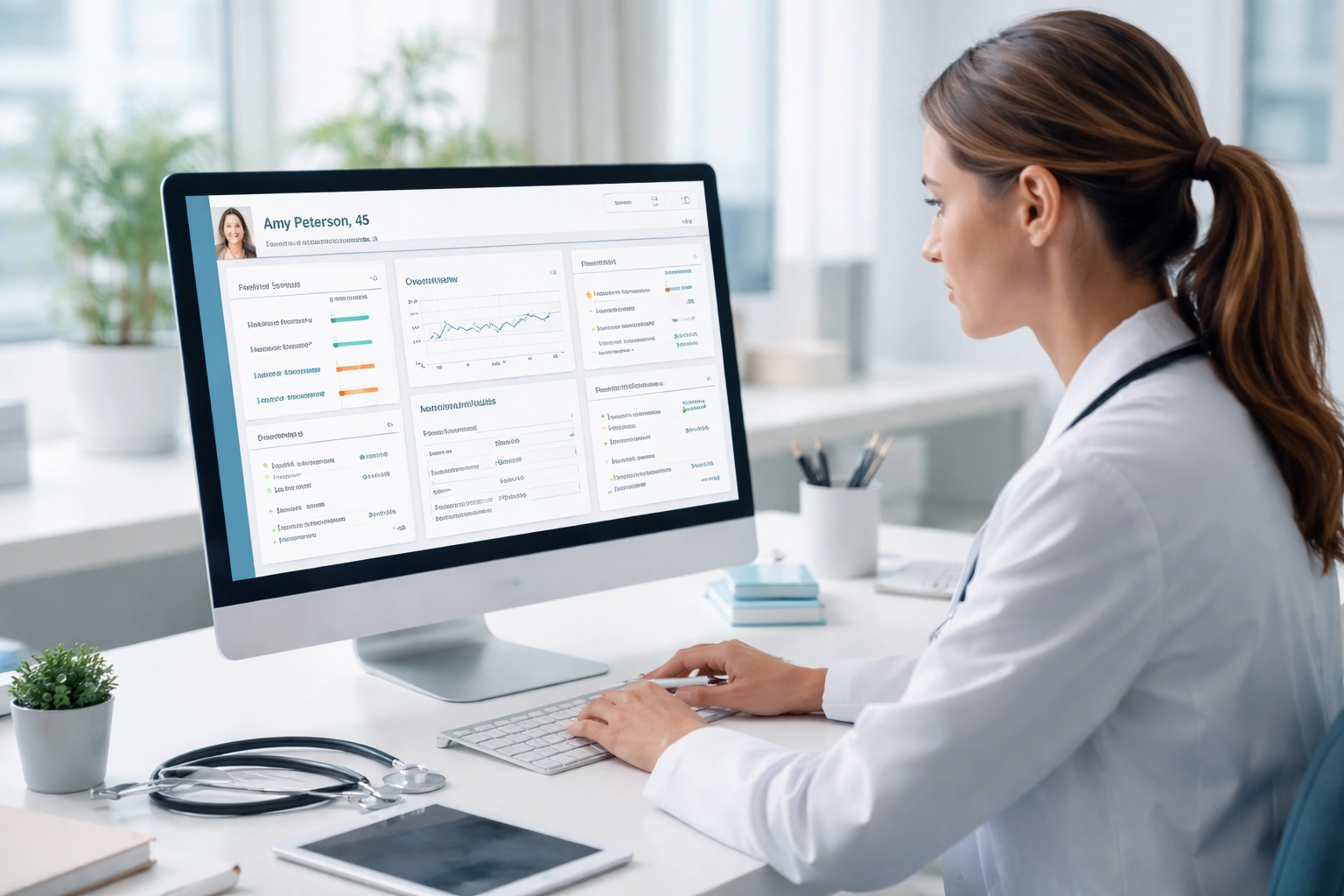
Why EHR Integration Is Non-Negotiable
Here's the uncomfortable reality: if your CDS lives outside your EHR, clinicians won't use it.
It's not because they don't care. It's because their workflow is driven by the EHR. Every extra click, every tab switch, every moment spent navigating to a separate system is friction. And friction kills adoption.
Research consistently shows that any barriers to CDS access at the point of care dramatically reduce utilization. Your clinicians are juggling patient conversations, documentation, orders, and a dozen other tasks. Asking them to pop over to another system for decision support is asking them to break their flow, and that's a non-starter.
The solution? Embed CDS directly within the EHR interface. When recommendations appear naturally as part of the documentation or ordering process, clinicians don't have to change their behavior. The intelligence comes to them.
This is exactly why we built CareMetric AI to integrate with existing workflows rather than compete with them. When AI-powered insights appear right where you're already working, adoption stops being a challenge.
The Technical Side: How Integration Actually Works
Okay, let's get a little nerdy for a minute. Understanding the technical foundation helps you ask the right questions when evaluating solutions.
Modern CDS integration relies on two primary standards:
SMART on FHIR (Fast Healthcare Interoperability Resources) – This technology enables your CDS platform to securely access patient data directly from the EHR. Think of it as the secure handshake that lets systems talk to each other.
CDS Hooks – This standard allows the system to trigger decision support when clinicians perform specific actions within the EHR. Opening a patient chart, placing an order, completing documentation, these actions can automatically prompt relevant recommendations.
The good news? Modern cloud-based platforms are increasingly EHR-agnostic, meaning they work across multiple systems without requiring custom builds for each one. Using simple APIs, embedding CDS into clinician workflows can take as little as one to four hours in some cases.
That's not a typo. Hours, not months.
Common Integration Pitfalls (And How to Avoid Them)
We've seen practices stumble on the same obstacles over and over. Here's how to sidestep the most common ones:
Pitfall #1: Alert Fatigue
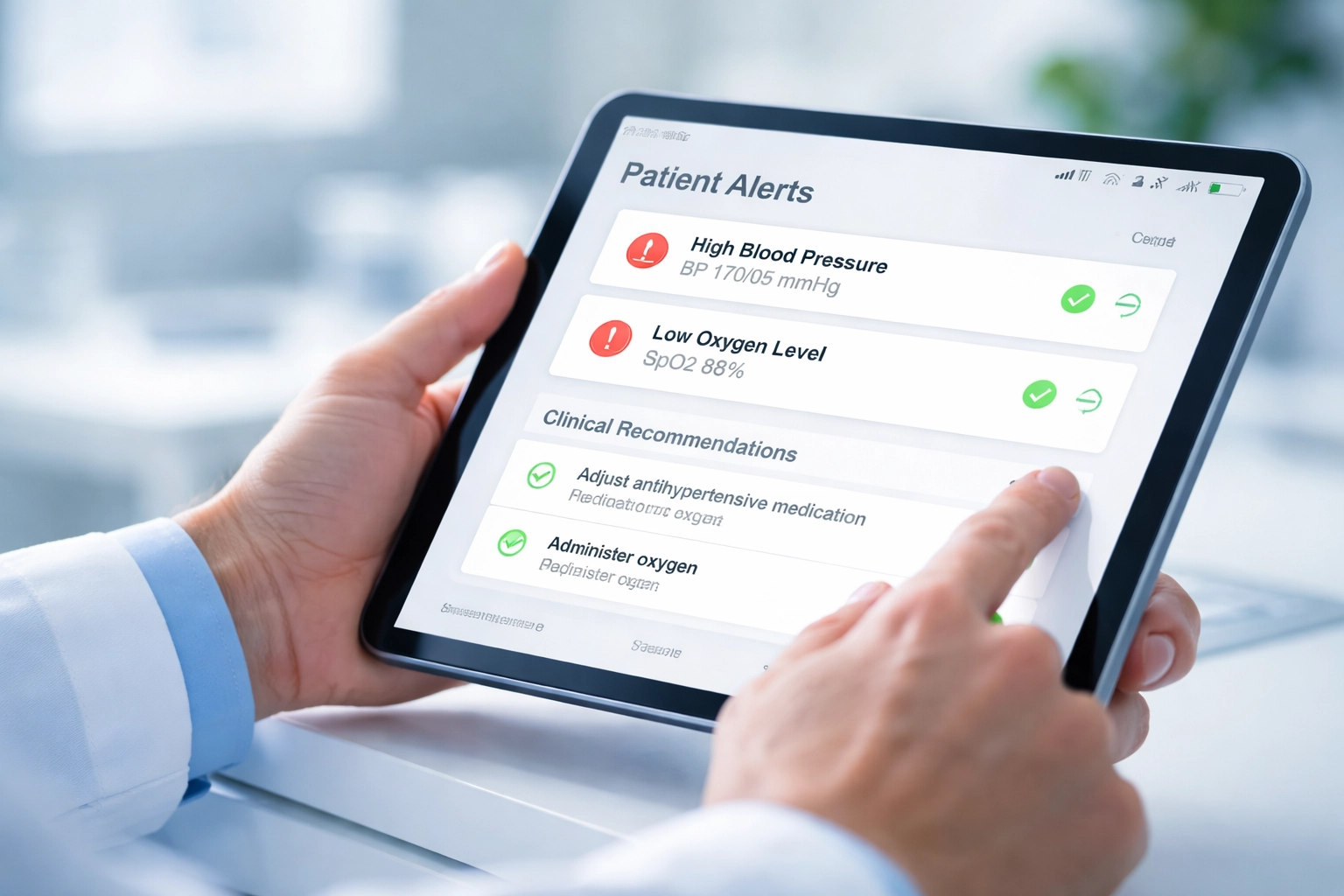
Nothing kills CDS adoption faster than bombarding clinicians with irrelevant alerts. If every patient triggers five pop-ups, clinicians will start clicking through them without reading, defeating the entire purpose.
The fix: Choose a system that intelligently presents only the most relevant patient data. Your CDS should be smart enough to know when an alert actually matters versus when it's noise.
Pitfall #2: Interrupting Instead of Assisting
Alerts that stop clinicians mid-workflow and demand attention create frustration. If the CDS feels like an obstacle rather than a helper, it's doomed.
The fix: Incorporate decision support early in the clinical decision-making process, not at the end. Recommendations should feel like guidance, not gatekeeping.
Pitfall #3: One-Size-Fits-All Recommendations
Generic alerts that don't account for patient context feel unhelpful at best and insulting at worst. Your clinicians know their patients, they need CDS that does too.
The fix: Look for systems with automated data prepopulation that generate context-specific recommendations based on the actual patient data in the EHR.
For more on avoiding documentation pitfalls, check out our guide on 7 mistakes you're making with AI clinical documentation.
Key Features to Look For in Your CDS Solution
Not all clinical decision support is created equal. When evaluating options, prioritize these capabilities:
Automated Data Prepopulation – The system should pull patient data from your EHR automatically, generating recommendations without manual data entry. This saves time and ensures accuracy.
Modular, Scalable Architecture – You want a platform that allows near "plug and play" expansion. As new clinical tools and guidelines emerge, your CDS should grow with you.
Clinical Prediction Rules – Advanced systems quantify contributions from history, physical exam findings, and lab results to support diagnosis and treatment decisions. This is where AI really shines.
Real-Time Compliance Alerts – Especially for home health and other regulated settings, your CDS should support specific initiatives like real-time compliance checking and documentation requirements.
Workflow Integration – We've said it before, but it bears repeating: the system must live inside your EHR workflow, not alongside it.
Making It Stick: Getting Your Team to Actually Use It
Integration is only half the battle. The other half is adoption. Here's how to ensure your team embraces the new tools:
Start With Champions
Identify one or two clinicians who are excited about technology and let them pilot the system first. Their success stories and feedback will help bring skeptics on board.
Demonstrate Time Savings
The most compelling argument for any new tool is "this will save you time." When implemented properly, CDS integration is among the few healthcare IT initiatives that simultaneously saves clinicians time, improves efficiency, and increases satisfaction. Make sure your team sees those benefits early.
We've written extensively about workflow hacks to reduce documentation time by 70%, combining these strategies with good CDS integration multiplies the impact.
Collect and Act on Feedback
Your clinicians will have opinions about what's working and what isn't. Listen to them. The best CDS implementations evolve based on real-world feedback from the people using them daily.
Celebrate Wins
When CDS catches a medication interaction, flags a high-risk patient, or helps with a quality metric, share those wins with the team. Concrete examples of value drive continued adoption.

The Bottom Line
Real-time clinical decision support has the potential to transform how your practice delivers care. It can catch risks earlier, improve documentation quality, support compliance, and yes: actually save your clinicians time.
But that potential only becomes reality when CDS is deeply integrated into your EHR workflow and designed with clinician usability in mind.
The technology exists. The standards are mature. The integration is faster than you might think.
The question is: are you ready to stop letting decision support tools collect dust?
Ready to see how AI-powered clinical decision support can work inside your existing workflow? CareMetric AI integrates seamlessly with your documentation process to deliver real-time insights without disrupting how you work. Start your 14-day free trial and experience the difference.
Comments