.png)


How to Create Medicare Compliant Documentation in 5 Minutes
Let’s be honest: nobody went to medical or nursing school because they had a passion for paperwork. Whether you’re a physician, a nurse practitioner, or a home health therapist, you probably spend more time staring at a screen than looking at your patients. It’s the "pajama time" phenomenon: that late-night ritual where you’re finishing charts long after your family has gone to bed.
But here’s the kicker: even after spending hours on those notes, there’s still that nagging fear. Is this note actually Medicare compliant? Did I miss a signature? Does this clearly show medical necessity?
If you’re tired of the "death by a thousand clicks" and the constant threat of audits, you’re in the right place. Creating Medicare compliant documentation doesn't have to be a marathon. In fact, with the right tools, you can get it done in about five minutes without breaking a sweat.
The High Cost of "Good Enough" Documentation
In the world of Medicare, if it isn’t documented, it didn't happen. We’ve seen clinicians lose thousands of dollars in reimbursements simply because their notes lacked the specific language required by CMS. It’s not just about what you did; it’s about proving that what you did was "reasonable and necessary."
When your documentation is sloppy, you face two major headaches:
Rework and Resubmits: Your billing team sends the note back, you have to try and remember a visit from three days ago, and the cycle continues.
Audit Risk: Medicare is getting stricter. If your files are missing the essential elements: like the rendering provider identification or a clear plan of care: you’re basically inviting an audit.
This is where clinical documentation improvement software changes the game. By moving away from manual typing and toward intelligent automation, you can see a 15–25% improvement in overall quality and compliance.
What Does Medicare Actually Want?
Before we dive into how to do this in five minutes, let's look at the "must-haves." According to CMS guidelines, your documentation needs to verify that the level of care billed was actually required.
Here are the non-negotiables:
Patient ID & Date of Service: Seems obvious, but you'd be surprised how often these get glitched in manual entries.
The "Why": Why was the encounter necessary? This isn't just a list of symptoms; it’s the clinical rationale.
Assessment & Diagnosis: Your clinical impression must be clear.
Plan of Care: What happens next? This must include the provider's legible identity and the date.
42 CFR 484 Documentation Requirements: For those in home health, these specific regulations are the "Bible" of compliance. If you aren't hitting these markers, you're at risk. (Check out our quick start guide for home health clinicians for a deeper dive).
Step 1: Ditch the Keyboard for AI Clinical Documentation
If you’re still typing every word, you’re losing time. Standard medical dictation software was a good start, but it usually just turns your voice into a messy wall of text that you still have to edit.
Modern AI clinical documentation is different. It doesn't just record; it understands. When you use an AI SOAP note generator, you can dictate the encounter in a conversational way. The AI pulls out the relevant clinical findings, separates the subjective from the objective, and structures it into a professional, compliant format.
By using these tools, clinicians are seeing a 70% reduction in documentation time. Imagine finishing a complex patient note in three minutes instead of twelve. Over the course of a day, that adds up to 2-3 hours saved.

Step 2: Leverage Real-Time Clinical Decision Support
One of the biggest reasons notes get rejected is a lack of specificity. You might write "patient has a wound," but Medicare wants to know the dimensions, the drainage, the stage, and the progress since the last visit.
This is where real-time clinical decision support becomes your best friend. As you’re creating the note, the software acts like a digital colleague sitting on your shoulder. It can prompt you for missing details required by 42 CFR 484 documentation requirements or flag if a diagnosis code doesn't match the clinical description.
This "live validation" is how you achieve 99% Medicare compliance. You aren't fixing errors after the fact; you’re preventing them from being written in the first place. This integration is easier than you think: learn how to integrate real-time clinical decision support with your existing EHR.
Step 3: Use Predictive Analytics to Stay Ahead
The most advanced teams are now using predictive analytics in healthcare to spot patterns in their documentation. If the AI notices that your team consistently misses a specific requirement for home health surveys, it can adjust the templates or prompts to close that gap.
This proactive approach prevents the "shadow AI" risk: where clinicians use unauthorized tools that aren't HIPAA-compliant just to save time. Using a governed tool like CareMetric AI ensures that your data stays secure while you stay efficient. You can read more about why healthcare needs governed AI documentation tools to understand the security implications.
Step 4: The 5-Minute Workflow
Here is exactly how you do it:
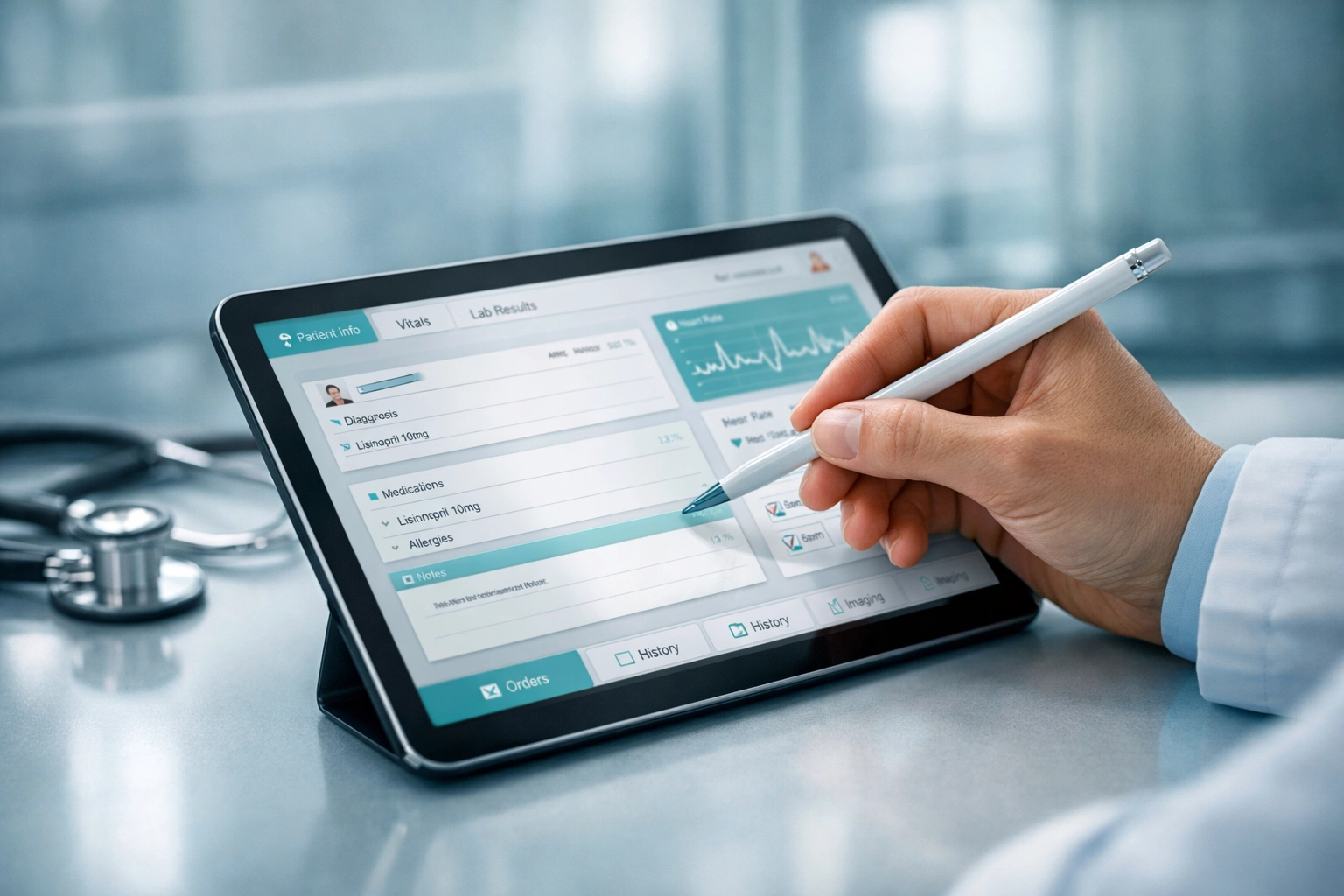
The Capture (2 Minutes): Open your home health documentation software or mobile app. Dictate the highlights of the visit. Don't worry about being perfect; just speak naturally.
The Generation (1 Minute): Let the AI SOAP note generator process the audio. It will filter out the "ums," "ahs," and small talk, focusing only on the clinical data.
The Review & Validation (2 Minutes): Review the structured note. The real-time clinical decision support will highlight any areas that need more detail to meet Medicare standards. Make any quick tweaks, sign it digitally, and you’re done.
That’s it. You’ve just created a note that is more accurate and more compliant than one you would have spent 20 minutes typing manually.
Why Quality Matters More Than Ever
We talk a lot about "saving time," but the real win is the peace of mind. When you know your notes are bulletproof, you don't worry about the CMS letter in the mail. You don't worry about "takebacks" or failed surveys.
In fact, focusing on clinical documentation improvement software is one of the best ways to prevent common failure points. We’ve identified 10 home health survey failure points that AI documentation can practically eliminate.

Stop Working for Your EHR
Your EHR should be a tool that supports your practice, not a second job that you don't get paid for. By switching to a workflow powered by AI clinical documentation, you're not just being "faster": you're being smarter.
You're reducing rework, ensuring you get paid for the hard work you actually do, and most importantly, you're getting your life back. No more charts at the dinner table. No more Sunday afternoons spent catching up on a week's worth of notes.
Ready to see how much time you could save? At CareMetric AI, we’re obsessed with helping clinicians reclaim their day while staying 100% compliant.
Start your 14 day free trial today at caremetricai.com and see the difference for yourself.
Want to learn more?
Check out these resources to level up your documentation game:
Comments