.png)


10 Reasons Your Medical Dictation Software Isn't Reducing Documentation Time (And How to Fix It)
You made the switch to medical dictation software expecting to finally get ahead of the charting mountain. The promise was clear: speak your notes, save time, and actually leave work at a reasonable hour.
But here you are, still drowning in documentation.
Sound familiar? You're not alone. Plenty of clinicians invest in dictation tools only to find themselves just as buried as before: or worse, now troubleshooting tech issues on top of everything else.
The good news? It's probably not you. It's likely how your software is set up (or not set up). Let's dig into the 10 most common reasons your medical dictation software isn't actually helping you reduce clinician documentation time: and what you can do to fix each one.
1. Your Software Isn't Integrated With Your EHR
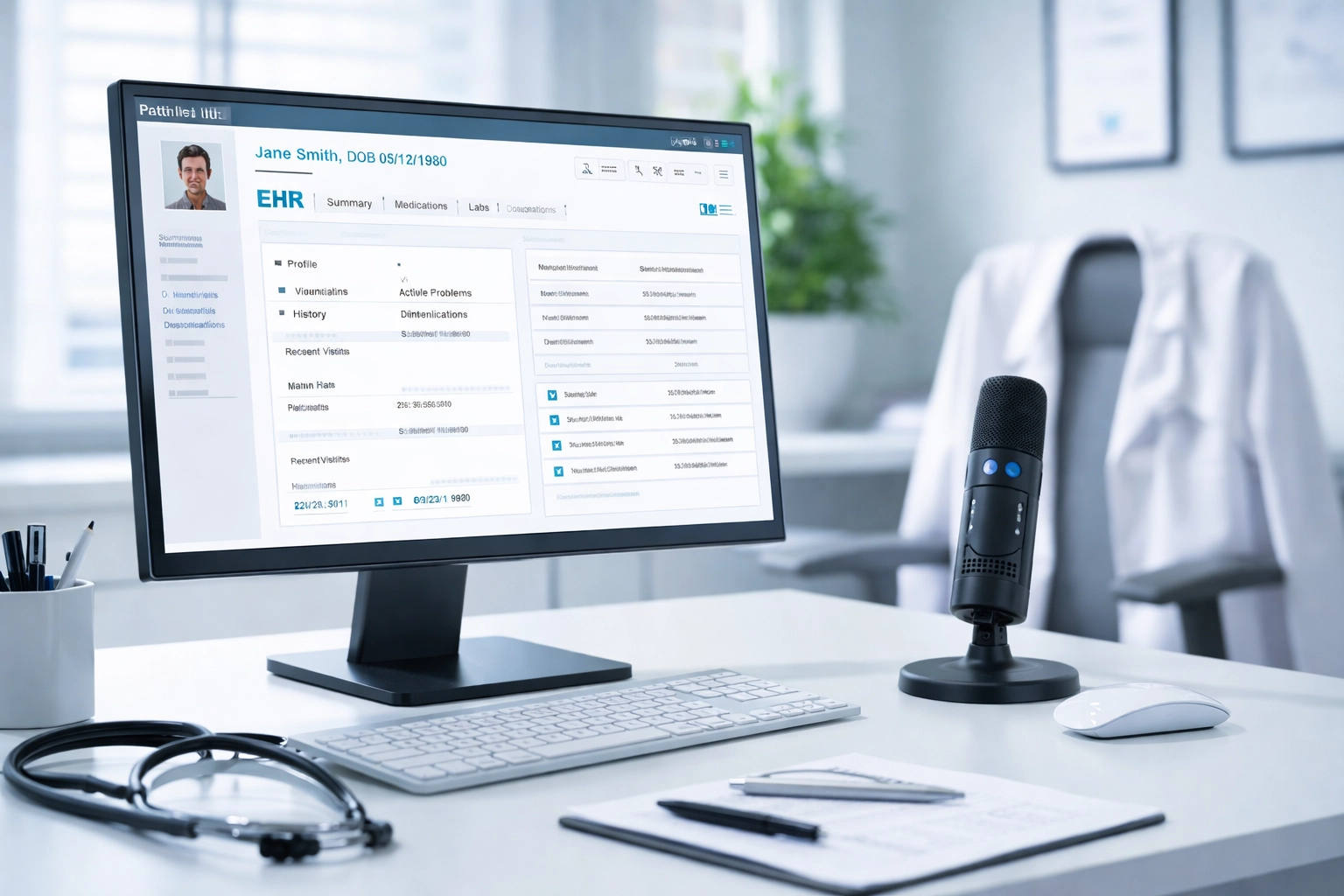
Here's the big one. If you're dictating notes and then copying and pasting them into your electronic health record, you're basically doing double duty. That manual transfer eats up the time you thought you were saving.
The fix: Look for medical dictation software that integrates directly with your EHR. When your spoken notes flow straight into the patient chart without extra steps, that's when you start seeing real time savings. Check out CareMetric AI's features to see how seamless integration should work.
2. You Haven't Trained the Software to Your Voice
Most dictation tools use speech recognition that improves over time: but only if you let it. If you skipped the initial voice training or never went back to correct errors, your software is still guessing at what you're saying.
The fix: Spend 15-20 minutes on voice training exercises. Then, actually correct mistakes when they happen instead of just retyping. The software learns from your corrections, and accuracy improves dramatically.
3. You're Not Using Medical-Specific Vocabulary
Generic dictation software doesn't know the difference between "hypertension" and "high attention." If you're using a consumer-grade tool, it's going to struggle with medical terminology: and you'll spend more time fixing errors than you would have spent typing.
The fix: Make sure your medical dictation software has a robust medical vocabulary built in. Better yet, choose a solution that lets you add custom terms specific to your specialty. Those rare drug names and obscure diagnoses? Your software should know them.
4. Your Templates Are Generic (Or Non-Existent)
Dictating into a blank screen every single time is exhausting. Without templates to guide your documentation, you're reinventing the wheel with every patient encounter.
The fix: Set up templates for your most common visit types. A well-designed template prompts you through each section: chief complaint, history, assessment, plan: so you're not starting from scratch. This alone can cut documentation time by 30% or more.
5. You're Still Editing Everything Manually
Here's a pattern we see a lot: clinicians dictate their notes, then spend 10+ minutes editing every single one. At that point, what's the difference between dictating and typing?
The fix: This usually comes back to accuracy issues (see #2 and #3). But it's also worth asking: are you being a perfectionist? Clinical documentation needs to be accurate and complete: but it doesn't need to be a literary masterpiece. Focus on what matters for patient care and compliance, and let the rest go.

6. You Haven't Set Up Auto-Text or Macros
Typing "The patient is a 67-year-old male with a history of type 2 diabetes, hypertension, and chronic kidney disease" for the fifteenth time today? That's a waste of your time and your voice.
The fix: Most medical dictation software supports macros or auto-text shortcuts. Set up phrases for your most common documentation snippets. Say "insert diabetes history" and watch a full paragraph populate. Game changer.
7. Your Workflow Doesn't Match the Software
Sometimes the issue isn't the software: it's that you're trying to force it into a workflow it wasn't designed for. If you're dictating at your desk but your software is optimized for mobile, or vice versa, you're fighting an uphill battle.
The fix: Take a step back and look at when and where you actually do your documentation. Do you chart between patients? At the end of the day? On your commute? Then choose (and configure) your medical dictation software to match that reality. The best tools adapt to your workflow, not the other way around.
8. You're Not Using Ambient or Real-Time Capture
Traditional dictation means sitting down after the visit and recounting everything from memory. That's better than typing, sure: but it's still extra time carved out of your day.
The fix: The latest AI-powered documentation tools can capture clinical conversations in real time. You focus on the patient, the software listens, and a draft note is waiting for you when the visit ends. If you haven't explored how AI medical dictation software saves clinicians 2+ hours daily, now's the time.
9. Your Software Doesn't Support Your Specialty
A tool built for primary care might not cut it for home health. Specialty-specific workflows, terminology, and compliance requirements vary wildly: and generic software can't keep up.
The fix: Look for medical dictation software designed with your specialty in mind. For home health clinicians, that means documentation tools that understand OASIS, 42 CFR 484 compliance, and the unique challenges of charting in the field.

10. You're Not Leveraging AI-Powered Features
Basic speech-to-text is so 2015. Today's medical dictation software uses AI to do way more than transcribe: it can structure your notes, suggest diagnoses, flag missing documentation, and even help with coding.
The fix: If your current tool is just transcribing what you say, you're leaving massive efficiency gains on the table. Upgrade to a solution that uses AI to actually reduce clinician documentation time, not just convert speech to text. Check out the ultimate guide to AI SOAP note generators for a deep dive on what's possible.
The Bottom Line
Medical dictation software has real, proven potential to reduce clinician documentation time: research shows savings of 30-70% when it's implemented correctly. But "correctly" is doing a lot of heavy lifting in that sentence.
If your dictation tool isn't delivering, don't just assume it's broken (or that you're doing something wrong). Run through this list:
Is it integrated with your EHR?
Have you trained it to your voice?
Are you using medical vocabulary and specialty templates?
Have you set up macros for repetitive phrases?
Does your workflow actually match the software?
Are you taking advantage of AI-powered features?
Small tweaks in each of these areas add up to major time savings.
Ready to See What AI-Powered Documentation Can Really Do?
At CareMetric AI, we built our platform specifically to help clinicians escape the documentation trap. Real-time ambient capture, seamless EHR integration, specialty-specific templates, and AI that actually understands clinical workflows: it's all here.
Curious? Start your 14-day free trial and see how much time you can get back. No credit card required, no pressure, no "DM for demo" nonsense. Just better documentation, faster.
Your patients: and your evenings( will thank you.)
Comments