.png)


The Home Health Nurse's Guide to Perfect Documentation in Noisy, Real-World Settings
Let's be honest: home health documentation rarely happens in perfect conditions.
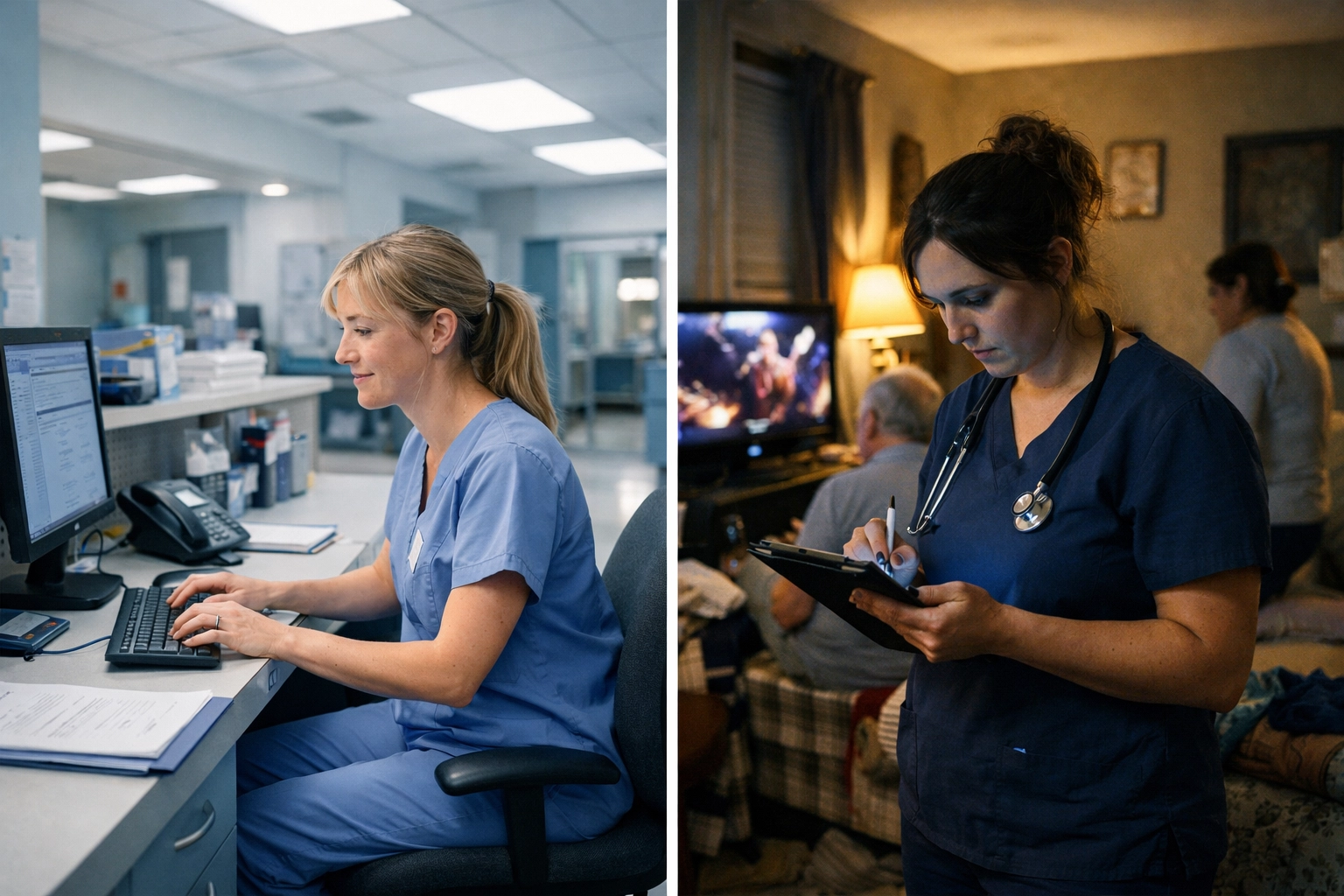
You're not sitting at a quiet desk with good lighting and a reliable internet connection. You're in Mrs. Johnson's living room with the TV blaring, her dog barking at the mail carrier, and three grandkids running through the house. Or you're in Mr. Rodriguez's apartment where the air conditioner sounds like a helicopter landing, and you can barely hear yourself think, let alone dictate accurate clinical notes.
And yet, your documentation needs to be perfect. It needs to support medical necessity, prove homebound status, justify skilled services, and pass a Medicare audit: all while you're trying to remember if you documented that face-to-face encounter correctly and whether you captured the patient's exact words about their pain level.
Welcome to the real world of home health nursing. Let's talk about how to nail your documentation even when everything around you is chaos.
The Documentation Challenges Nobody Talks About
Home health nurses are asked to do something incredibly difficult: provide excellent patient care AND create detailed, compliant documentation in environments that are fundamentally hostile to focused work.
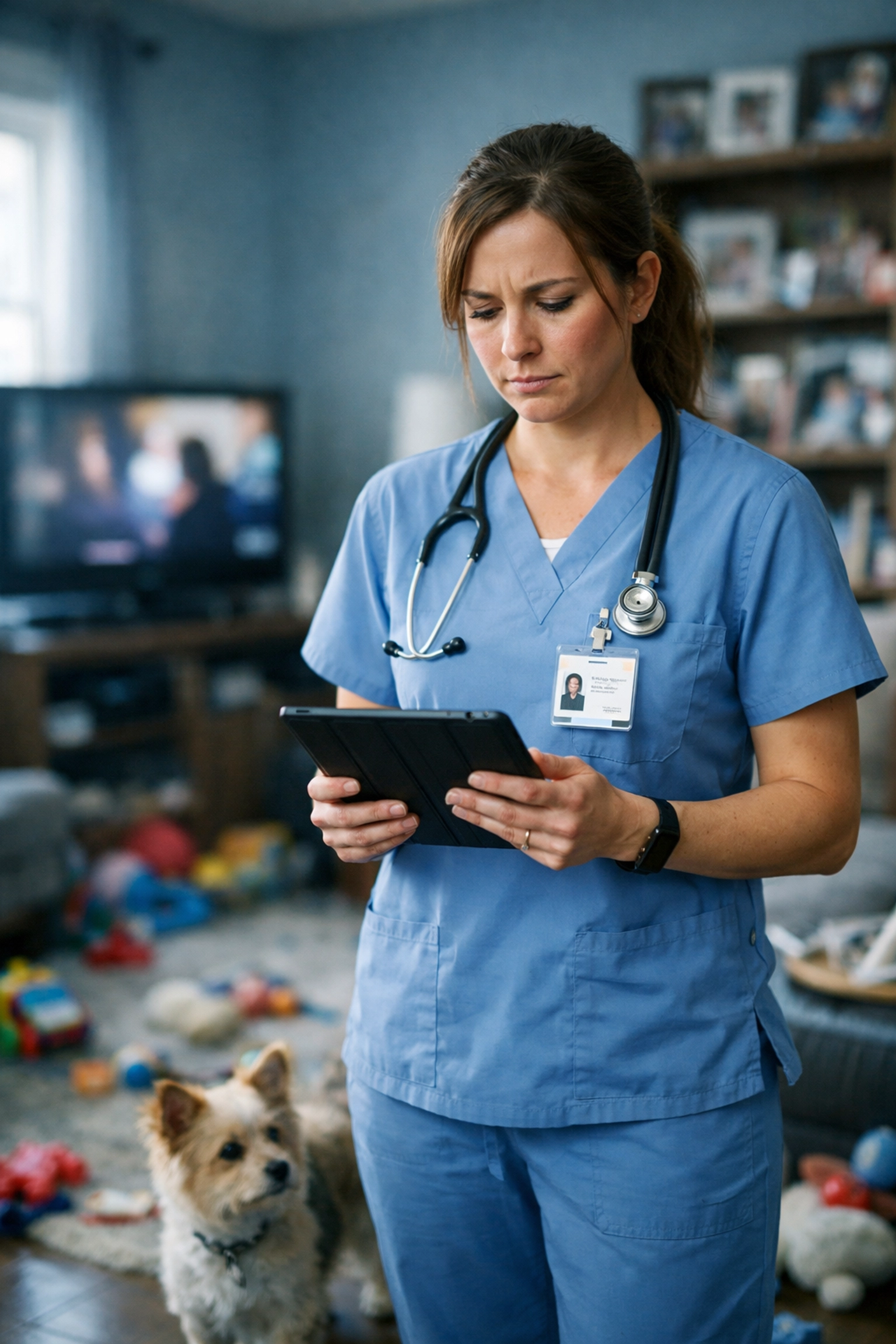
The noise problem is real. Background sounds don't just make it hard to concentrate: they actively interfere with traditional documentation methods. Try typing accurate notes on your tablet while a patient's family is having a loud conversation three feet away. Try remembering the specific wording of a patient's complaint when a dog won't stop barking.
Distractions come from everywhere. Patients want to chat (which is good for rapport, but tough for documentation). Family members have questions. The home environment itself demands attention: you're watching for fall risks, noticing medication bottles on the counter, observing the general living conditions that might impact care.
Time pressure is constant. You have a schedule to keep. Drive time between patients. Traffic. Parking. Finding the right apartment in a huge complex. Every minute you spend fighting with documentation is a minute you're not spending on patient care: or getting home to your own family.
Technology fails at the worst moments. Internet drops. Your tablet runs out of battery. The EMR system freezes. And you're left trying to remember everything so you can document it later, which is exactly how important details get lost.
The result? Many home health nurses end up doing what we all know we shouldn't do: documenting hours after the visit, from memory, in their car or at home. It's not ideal. It's not what anyone wants to do. But it feels like the only option when you're trying to capture specific, detailed observations in impossible conditions.
Why Traditional Documentation Methods Fall Short in the Field
The problem isn't you. The problem is that most documentation tools were designed for controlled environments: hospitals, clinics, offices: not for the unpredictable, noisy reality of home health.
Typing requires stillness and focus. You need both hands, a stable surface, and the mental bandwidth to translate what you observed into written language. In a patient's home, you rarely have all three at once.
Paper charting seems old-school for a reason. It creates lag time between the visit and when notes enter the system. It's hard to read. It gets lost. And it definitely doesn't help with real-time compliance checking or automatic coding suggestions.
Voice recognition systems hate background noise. Traditional medical dictation software was designed for quiet exam rooms or doctors' offices with closed doors. Introduce a barking dog, a blaring television, or street noise from an open window, and accuracy plummets.
According to CMS requirements, documentation must include specific details: not vague impressions. You need to document that "Patient administered insulin injection with proper technique" or "Patient with increased shortness of breath and coughing up green sputum," not just "patient doing okay." But capturing that level of detail while navigating a chaotic environment? That's the challenge.
Enter Voice-to-Note AI: Your Documentation Partner in the Real World
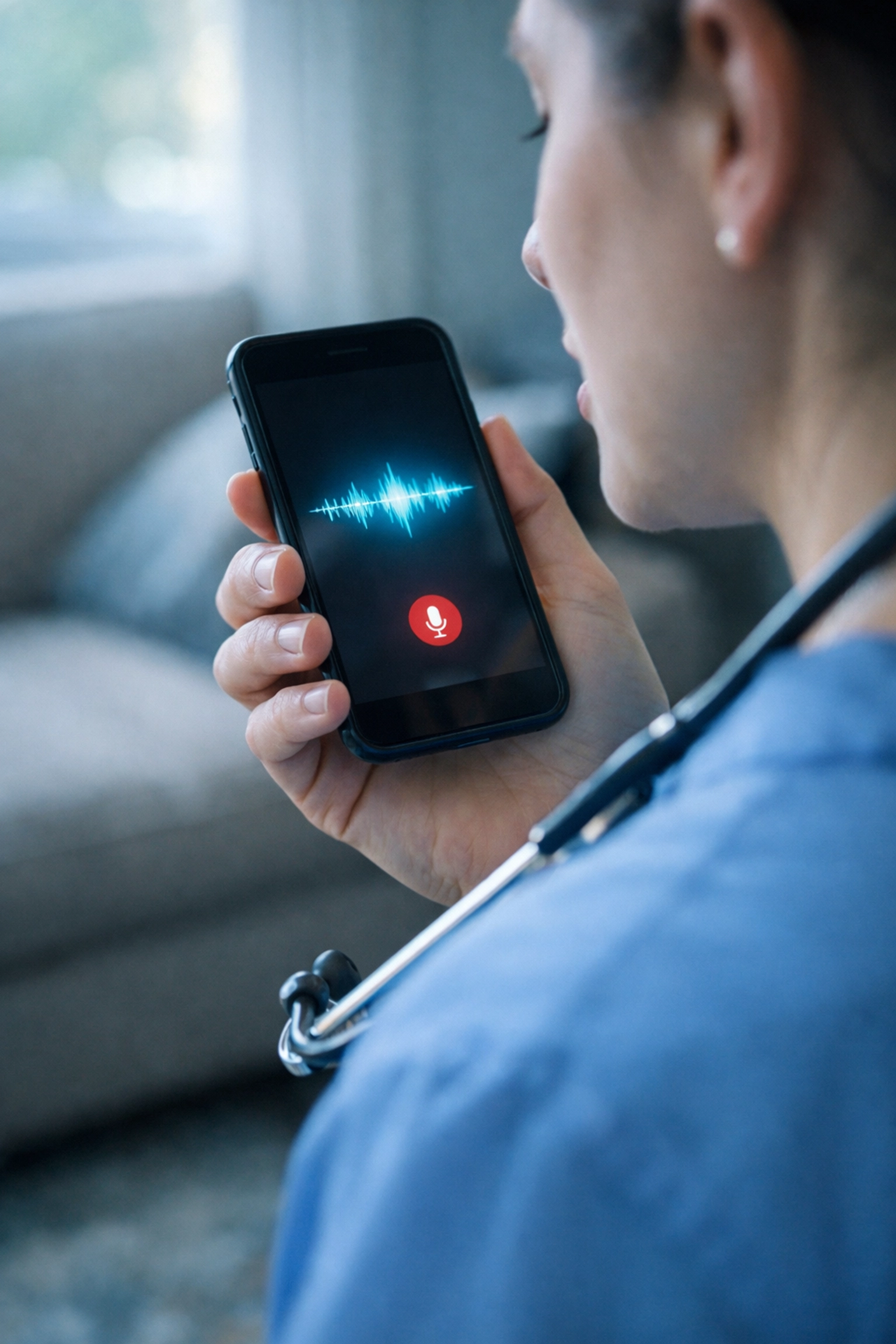
Here's where things get interesting. Modern voice-to-note AI technology: specifically the kind built for healthcare: doesn't just transcribe your words. It understands context, filters out background noise, and translates natural speech into structured clinical documentation.
Think about how you actually talk about patient care. You don't speak in perfect SOAP note format. You say things like, "So Mrs. Chen's blood pressure was 138 over 82 today, which is better than last week. She said her ankle swelling is down, and I can see that: the edema's definitely improved. She's tolerating the new diuretic dose well, no complaints of dizziness or increased urination beyond what we'd expect."
That's natural. That's how clinical thinking works. And with the right AI, that conversational description becomes a properly formatted clinical note with all the specific details an auditor needs to see.
The technology adapts to real environments. Advanced AI can distinguish your voice from background noise. It knows the difference between you saying "diminished breath sounds" and someone on TV saying "sounds delicious." It handles interruptions: you can pause mid-sentence when a patient asks a question, then pick up right where you left off.
It understands medical context. The AI knows that when you say "BP," you mean blood pressure. It knows common medication names, clinical terminology, and even typical abbreviations used in home health. It's been trained on medical language, not just general English.
It structures information automatically. You speak naturally about what you observed, and the AI organizes it into proper documentation format: assessment findings under assessment, interventions under interventions, patient education under teaching. You don't have to think about structure while you're thinking about patient care.
Practical Tips for Perfect Documentation in Chaos
Even with great technology, you still need solid documentation practices. Here's what actually works in the field:
Document during or immediately after the visit. Your memory is sharpest right now. Details fade fast. With voice-to-note AI, you can capture observations while you're still in the patient's home or immediately after stepping outside: no need to wait until you're back at your computer hours later.
Use specific, concrete language. Instead of "patient ambulated," say "patient walked 15 feet from bedroom to bathroom using walker, with steady gait and no loss of balance." The AI captures your exact words, preserving that specificity.
Capture direct quotes from patients. When a patient says something important about their symptoms, their compliance, or their understanding of their care, speak it as a direct quote: "Patient stated, 'The pain in my knee is much better since we started the new exercise routine.'" This demonstrates patient engagement and progress in their own words.
Address the key documentation requirements every visit. Your voice notes should support medical necessity (why skilled nursing is needed), homebound status (what limits the patient's ability to leave home), and progress toward goals (how the patient is responding to the plan of care).
Don't forget the face-to-face encounter documentation. For patients with start of care after April 2011, you need specific details: evidence of visual head-to-toe assessment, vital signs, connection to the primary diagnosis, and clear support for homebound status and need for skilled services. Build these elements into your verbal documentation routine.
Review and finalize before your next visit. Even though AI does the heavy lifting, you should still quickly review the generated note for accuracy. Most platforms let you make quick edits or additions. This is much faster than creating the note from scratch, but it maintains your professional responsibility for accurate documentation.
How the Right Home Health Documentation Software Changes Everything
When you combine voice-to-note AI with purpose-built home health documentation software, you get a system that actually works with the reality of your job instead of against it.
Real-time compliance checking means you know: before you move on to your next patient: whether your note has the required elements to pass an audit. No more anxiety about whether you documented enough detail about homebound status or medical necessity.
Automatic OASIS integration ensures that your narrative notes align with your OASIS assessments. The AI can flag inconsistencies before they become audit problems.
Structured templates that accept voice input give you the best of both worlds: the compliance safety of structured documentation with the speed and naturalness of voice dictation.
Mobile-first design means you can document from your phone in your car, from your tablet in a patient's living room, or from your laptop at the end of the day. The technology meets you where you are.
At CareMetric AI, we built our platform specifically for the messy reality of home health. Our voice-to-note AI understands clinical language, handles background noise, and transforms your natural descriptions into compliant, detailed clinical documentation: whether you're in a quiet patient home or one where chaos is the baseline.
Your Documentation Doesn't Have to Be a Burden
Perfect documentation in noisy, real-world settings isn't about superhuman focus or staying up late every night finishing notes. It's about having tools that match the way you actually work.
You became a home health nurse to provide excellent patient care, not to fight with documentation technology. When your documentation system is fast, accurate, and built for the real conditions you work in, you get to focus on what matters: your patients.
Want to see how much easier documentation can be, even in the noisiest patient homes? Try CareMetric AI free for 14 days at caremetricai.com. No credit card required. Just better documentation, starting today.
Because you deserve tools that work as hard as you do( in whatever environment your patients call home.)
Comments