.png)


Looking for Medical Dictation Software? Here Are 10 Things You Should Know Before You Buy
- kdeyarmin
- Jan 30
- 6 min read
Shopping for medical dictation software can feel like navigating a maze blindfolded. There are dozens of options out there, each promising to save you time, reduce burnout, and make documentation effortless. But here's the thing: not all dictation tools are created equal.
Before you commit to a platform (and potentially get locked into a contract), there are some critical questions you need to ask. Whether you're a solo practitioner tired of typing late into the night or part of a large clinic looking to standardize workflows, this guide will help you cut through the marketing fluff and find software that actually works for your practice.
1. Desktop vs. Cloud: Which Deployment Model Fits Your Workflow?
First decision: where do you want your dictation software to live?
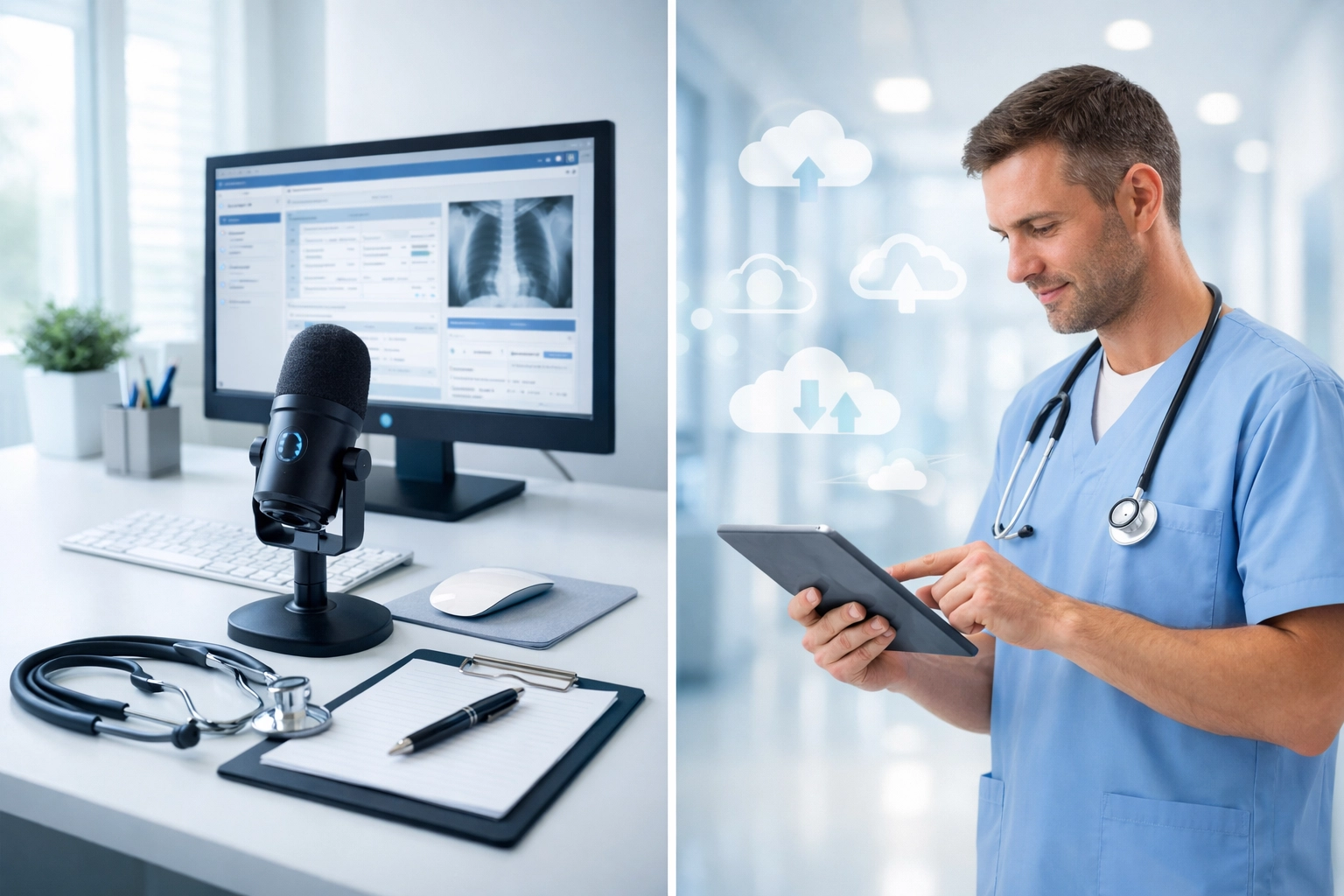
Desktop/workstation dictation typically offers better audio quality since you're using dedicated microphones and processing power. Plus, you get faster review and editing cycles with a full keyboard at your disposal. If you're someone who prefers complete control and doesn't mind managing software updates locally, this might be your jam.
Cloud platforms, on the other hand, offer centralized administration and greater scalability. Your entire team can access the same system from anywhere, which is perfect for multi-location practices or clinicians who work remotely. The tradeoff? You'll need to pay extra attention to security planning and internet connectivity.
Neither option is inherently better, it depends on how your practice operates. Think about where your clinicians actually do their documentation work before making this call.
2. EHR Integration Is Non-Negotiable
Let's be real: if your dictation software doesn't play nice with your EHR, you're going to hate your life. You'll end up doing the dreaded copy-paste dance between systems, which defeats the entire purpose of using dictation in the first place.
Before you buy, verify that the software integrates seamlessly with your existing electronic health record system. Some platforms offer deep, native integrations with enterprise EHRs. Others provide more flexible API connections that work across multiple systems.
Ask for a demo that specifically shows the integration in action. Don't just take their word for it, see it with your own eyes. If the vendor can't clearly demonstrate how their software connects with your EHR, that's a red flag.
3. Accuracy Rates Matter More Than You Think
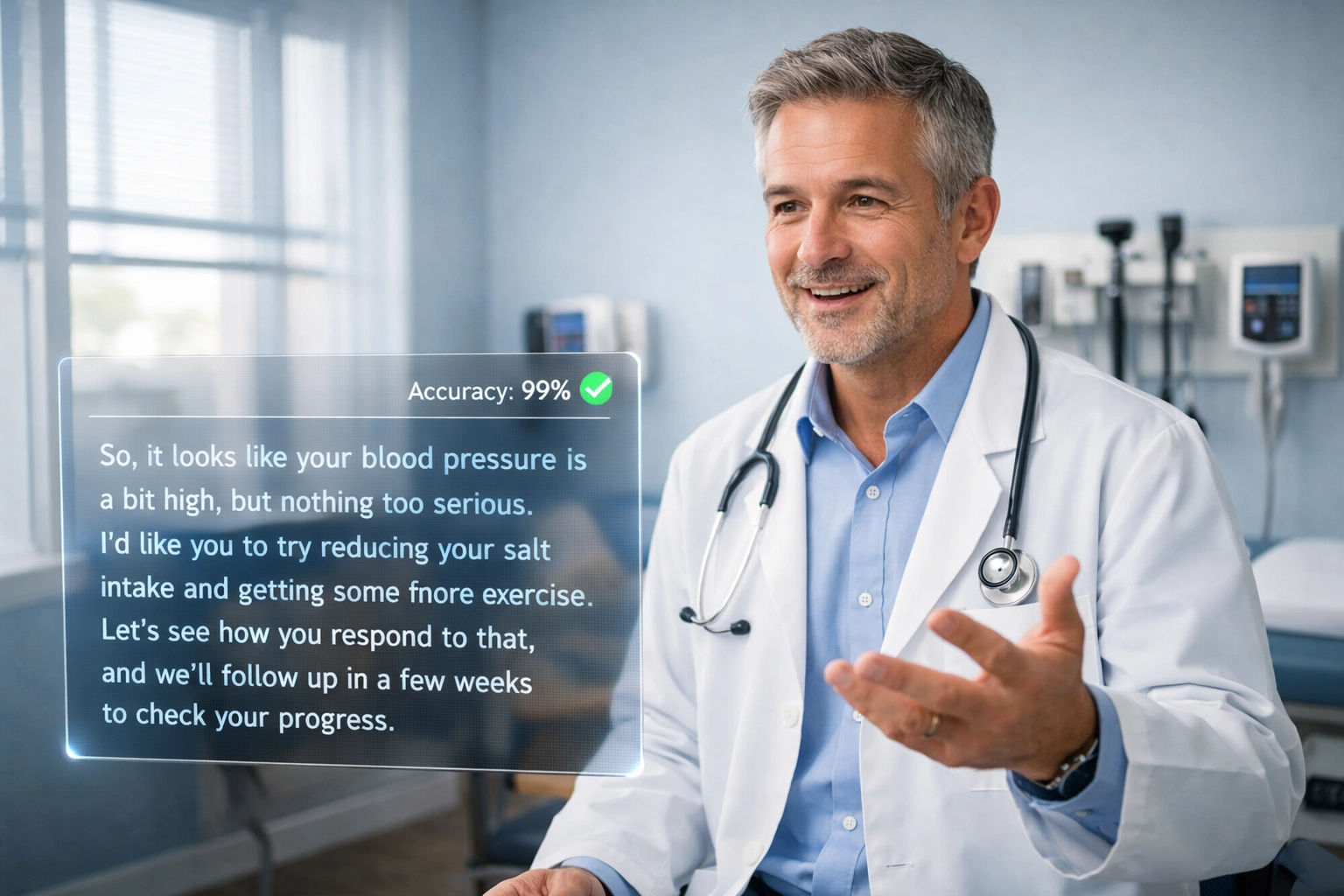
Here's a number to remember: 99% accuracy or higher. That's what you should be looking for in a medical dictation platform.
Why? Because even a 95% accuracy rate means you're correcting one word out of every twenty. That adds up fast when you're dictating comprehensive patient notes. The whole point of dictation software is to save time, not create more work for yourself.
The best platforms can handle varying accents, dialects, ambient sounds (hello, busy clinic hallways), and the nuances of medical speech patterns. They should also learn from your corrections over time, getting more accurate the more you use them.
During your evaluation, ask about their accuracy benchmarks and whether they can provide case studies from practices similar to yours. Better yet, take advantage of any trial period to test accuracy yourself.
4. HIPAA Compliance Isn't Optional
This one should go without saying, but we'll say it anyway: your dictation software must be HIPAA-compliant, period.
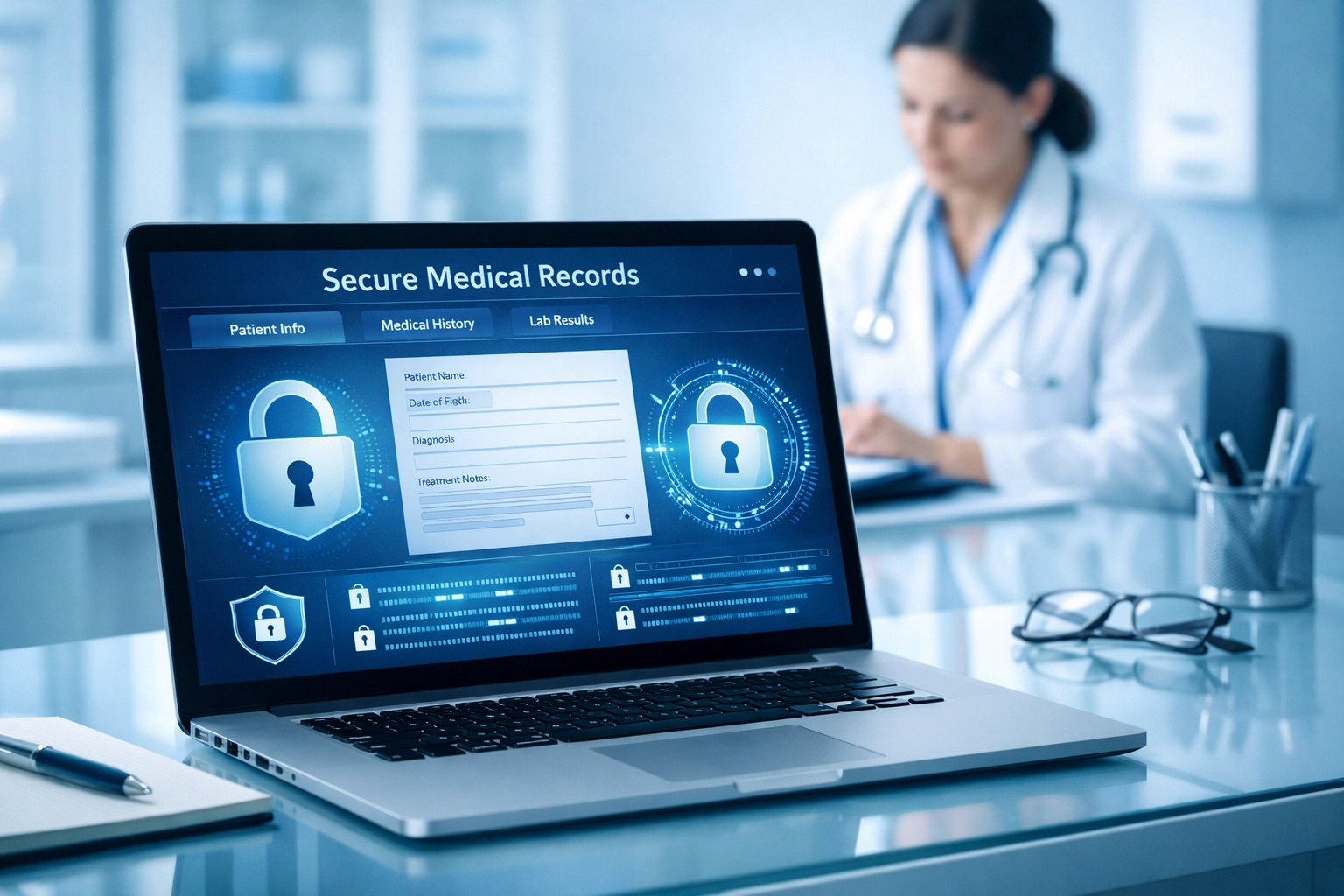
Look for enterprise-grade security features, end-to-end encryption, and make sure the vendor will sign a Business Associate Agreement (BAA). Cloud platforms require especially careful governance planning since patient data is being transmitted and stored off-site.
Don't be afraid to ask detailed questions about their security architecture. How is data encrypted? Where are servers located? What happens to your data if you cancel the service? A reputable vendor will have clear, detailed answers to all of these questions.
5. Pricing Models Vary Wildly
Medical dictation software pricing is all over the map, and understanding the true cost is crucial before you commit.
Some vendors offer pay-as-you-go models based on audio duration, you only pay for what you use. Others charge fixed monthly subscriptions, typically ranging from $49 to $99 per month for individual plans. Enterprise solutions often involve licensing fees with implementation costs that can start at $525 or more.
But here's what most vendors won't advertise upfront: the total cost of ownership includes more than just the subscription fee. Factor in setup costs, training time, ongoing support, and any additional fees for premium features or integrations.
Create a spreadsheet comparing the actual annual cost across different vendors, including all these hidden expenses. Sometimes a platform with a higher monthly fee ends up being cheaper in the long run if it includes robust support and training.
6. Specialty-Specific Customization Saves Tons of Time
Generic dictation software is like buying shoes that sort of fit, they'll work, but they won't be comfortable.
The best medical dictation platforms support specialty-based note templates, custom shortcuts, macros, and personalized medical vocabulary libraries relevant to your practice area. If you're an orthopedic surgeon, you need software that understands the difference between "iliac crest" and "iliac spine" without making you spell it out every time.
Look for platforms that let you build custom templates for your most common visit types. If you see a lot of patients for the same conditions, having pre-built templates you can populate with dictation is a massive time-saver.
7. Language Support for Diverse Patient Populations
If you serve multilingual patient populations or work with clinicians who speak multiple languages, language support becomes critical.
Some platforms support 25+ languages, while others support 40 or more. But it's not just about the number, it's about the quality of support for each language. Can the software accurately transcribe medical terminology in Spanish? Can it handle code-switching when a clinician dictates in English but includes patient quotes in Mandarin?
Test the languages you actually need during your evaluation period. The marketing materials might promise "multilingual support," but you need to verify that it works for your specific use case.
8. Minimal Post-Editing Requirements
The promise of dictation software is simple: speak your notes, and they magically appear in proper format. The reality? It depends on the software.
Look for solutions with conversational voice-to-text technology that captures context accurately and requires minimal manual correction. The goal is to reduce clinician burnout, not add another frustrating task to their workflow.
Pay attention to how the software handles medical terminology, particularly complex drug names, anatomical terms, and procedure codes. If clinicians spend half their time correcting mistakes, you haven't actually solved the documentation problem, you've just changed it.
9. Core Features That Reduce Friction
Beyond basic transcription, there are several features that separate good dictation software from great dictation software:
Fast start/stop dictation: No lag time between when you hit record and when the software starts listening
Voice commands: Being able to say "period," "new paragraph," or "insert heading" without touching the keyboard
Quick correction tools: Easy ways to fix mistakes without breaking your flow
Auto-structuring: Software that automatically organizes your dictation into standard formats like SOAP notes
These features might seem small, but they compound over time. If you're documenting 20+ patient encounters per day, even shaving off 30 seconds per note adds up to significant time savings.
10. Size and Complexity of Your Organization
Finally, be honest about your practice's size and complexity. Primary care practices have different needs than hospitals or large specialty clinics.
Solo practitioners might prioritize simplicity and affordability, you need something that works right out of the box without requiring an IT department to manage it. Larger organizations need scalability, deep EHR integrations, and enterprise-level security features that can support hundreds or thousands of users.
Consider not just where your practice is today, but where it's headed. If you're planning to add providers or open new locations, make sure the platform can scale with you without requiring a complete overhaul.

Ready to See What Great Dictation Software Looks Like?
Finding the right medical dictation software doesn't have to be overwhelming. By focusing on these ten critical factors, you'll be able to cut through the noise and identify platforms that actually deliver on their promises.
At CareMetric AI, we've built dictation technology that checks all these boxes: and then some. Our AI-powered documentation platform integrates seamlessly with your existing workflows, maintains 99%+ accuracy on complex medical terminology, and includes built-in compliance checking to keep you audit-ready.
Want to see it in action? Start your 14-day free trial and experience the difference for yourself. No credit card required, no commitment: just honest-to-goodness dictation software that actually works.
Because you deserve documentation tools that make your life easier, not harder.
Comments